
FREE & DISCOUNT
Special offers
FSW280 Sporty and Digital
FREE

FSW247 Watchface
FREE
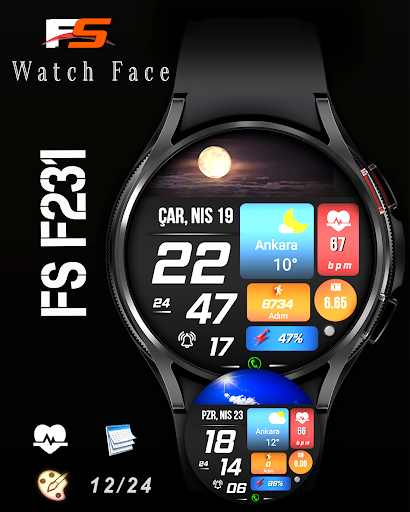
FSW231 WATCHFACE
PRODUCT

FSW297 Watch face
PRODUCT

FS W256 Watch face
PRODUCT

Analog Watchface FSW298
PRODUCT
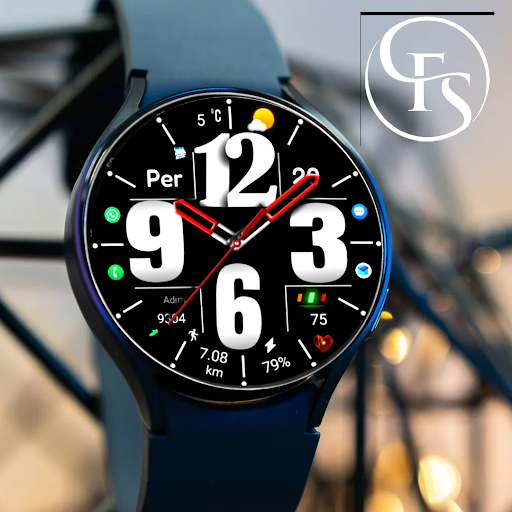
Analog Watchface FSW299
PRODUCT

Hybrid FSW303 Watchface
PRODUCT

Digital FSW300 Watchface
PRODUCT
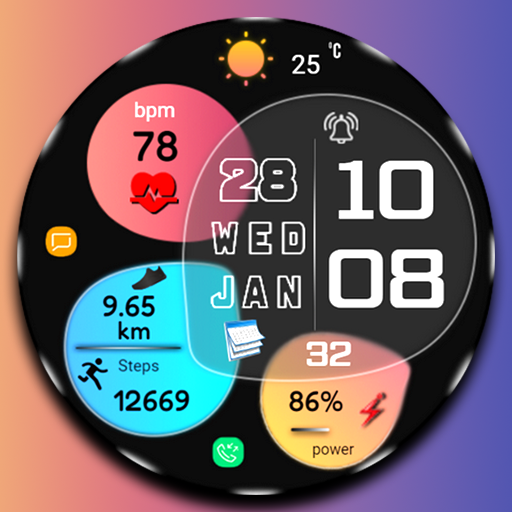
Digital fsw306 watch face
PRODUCT
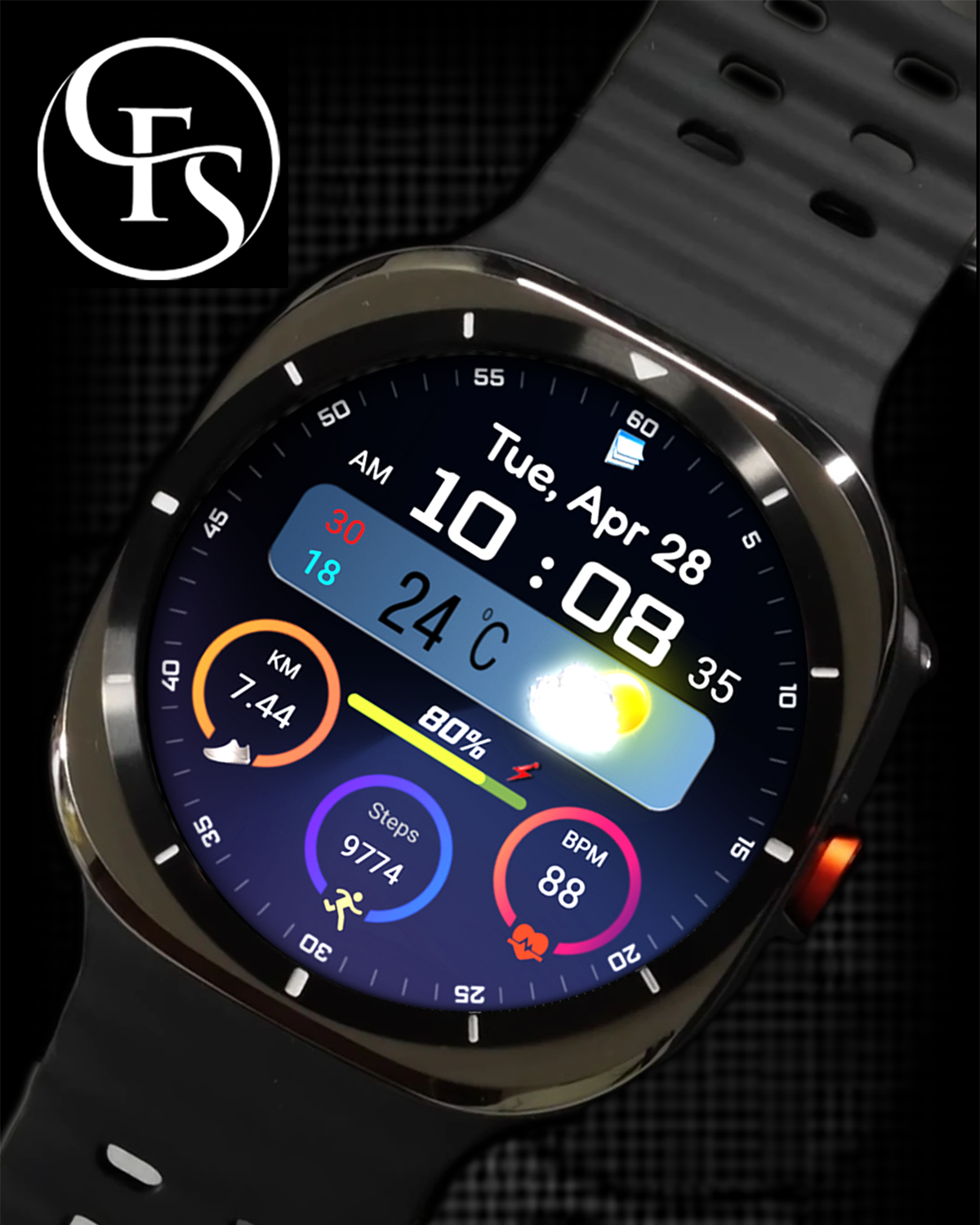
Digital Watchface FSW312
PRODUCT
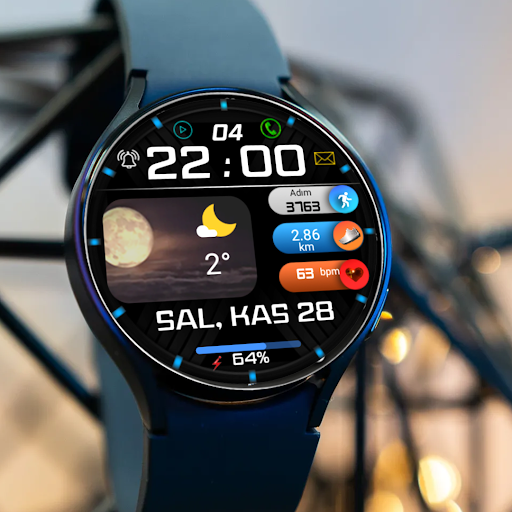

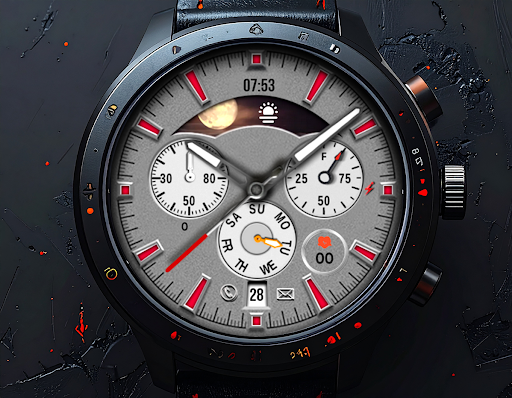

WATCH DESIGNS
View AllCOUPONS
View All
Coupons Expired
FSW231 WATCHFACE
Stylish and great watch face for Wear OS by FS Design
Coupons Expired
FSW297 Watch face
FSW297 Watch face
Stylish and great watch face for Wear OS by FS Design
<font color="red">If you can't see the watch face on your watch after installing the app, don't worry. Please follow the steps below.</font>
1-<font color="green">Long press on your watch screen, scroll to the right, click on the + sign and go to the bottom page, select your watch face from there.</font>
<font color="green">FSW297 Watch face is a Digital watch Face for Wear OS by FS Design
[For Wear OS devices only]</font>
<font color="green">FEATURES</font>
- Low battery consumption
- Battery Dial
- Date
Note: If you can't see the watch face on your watch after installing it, please follow the steps below
1-long press on your watch screen and scroll the screen to the last screen
2-click add watch and find your watch face
<font color="orange">How to install?</font>
1.Swipe to on the watch screen
2.Click on the Google Play app icon
3.Click it a type ''FSW297 Watch face' and search
4.Select watch face and click ''Install.'
NOTE:
if you see message "Your devices are not compatible", use Play Store on WEB browser from PC / Laptop instead of app on phone.
PLEASE FOLLOW ME:)
FS WATCHFACES WEB SITE: https://fswatchface.com/
FACEBOOK: https://m.facebook.com/groups/717379668440579?ref=bookmarks
FACEBOOK PAGE: https://www.facebook.com/Fs-design-2300540343310561/?ref=bookmarks
İNSTAGRAM: https://www.instagram.com/fs.watchface/?hl=tr
TWİTTER :https://twitter.com/FS Watch face
TELEGRAM:https://web.telegram.org/k/#@fswatchface
YOUTUBE : https://www.youtube.com/channel
Coupons Expired
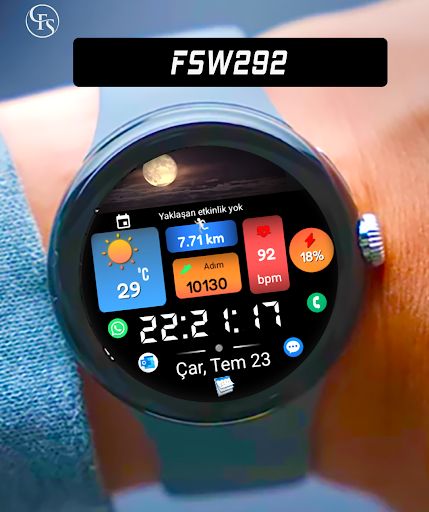
FSW292 Weather, Digital
Stylish and great watch face for Wear OS by FS Design

Coupons Expired
FSW293 Hybrid watchface
Stylish and great watch face for Wear OS by FS Design
Coupons Expired
Analog Watchface FSW298
Analog Watchface FSW298
Stylish and great watch face for Wear OS by FS Design
<font color="red">If you can't see the watch face on your watch after installing the app, don't worry. Please follow the steps below.</font>
1-<font color="green">Long press on your watch screen, scroll to the right, click on the + sign and go to the bottom page, select your watch face from there.</font>
<font color="green">Analog Watchface FSW298 is a Digital watch Face for Wear OS by FS Design
[For Wear OS devices only]</font>
<font color="green">FEATURES</font>
- Low battery consumption
- Battery Dial
- Date
Note: If you can't see the watch face on your watch after installing it, please follow the steps below
1-long press on your watch screen and scroll the screen to the last screen
2-click add watch and find your watch face
<font color="orange">How to install?</font>
1.Swipe to on the watch screen
2.Click on the Google Play app icon
Coupons Expired
Analog Watchface FSW299
Analog Watchface FSW299
Stylish and great watch face for Wear OS by FS Design
<font color="red">If you can't see the watch face on your watch after installing the app, don't worry. Please follow the steps below.</font>
1-<font color="green">Long press on your watch screen, scroll to the right, click on the + sign and go to the bottom page, select your watch face from there.</font>
<font color="green">Analog Watchface FSW299 is a Digital watch Face for Wear OS by FS Design
[For Wear OS devices only]</font>
<font color="green">FEATURES</font>
- Low battery consumption
- Battery Dial
- Date
Note: If you can't see the watch face on your watch after installing it, please follow the steps below
1-long press on your watch screen and scroll the screen to the last screen
2-click add watch and find your watch face
<font color="orange">How to install?</font>
1.Swipe to on the watch screen
2.Click on the Google Play app icon
3.Click it a type ''Analog Watchface FSW299' and search
4.Select watch face and click ''Install.'
NOTE:
if you see message "Your devices are not compatible", use Play Store on WEB browser from PC / Laptop instead of app on phone.
PLEASE FOLLOW ME:)
FS WATCHFACES WEB SITE: https://fswatchface.com/
FACEBOOK: https://m.facebook.com/groups/717379668440579?ref=bookmarks
FACEBOOK PAGE: https://www.facebook.com/Fs-design-2300540343310561/?ref=bookmarks
İNSTAGRAM: https://www.instagram.com/fs.watchface/?hl=tr
TWİTTER :https://twitter.com/FS Watch face
TELEGRAM:https://web.telegram.org/k/#@fswatchface
YOUTUBE : https://www.youtube.com/channel
Coupons Expired
Hybrid FSW303 Watchface
Hybrid FSW303 Watchface
Stylish and great watch face for Wear OS by FS Design
Coupons Expired
Digital FSW300 Watchface
Digital FSW300 Watchface
Stylish and great watch face for Wear OS