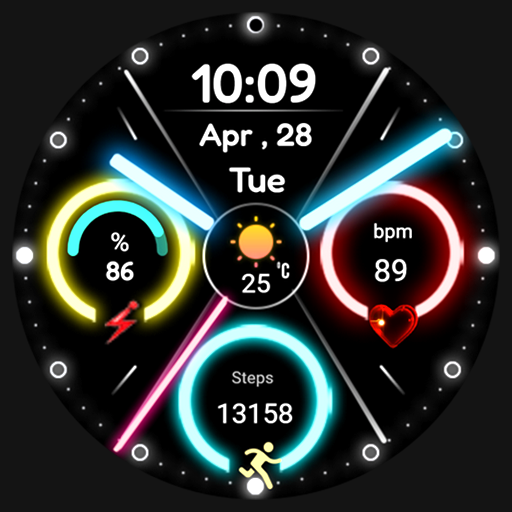
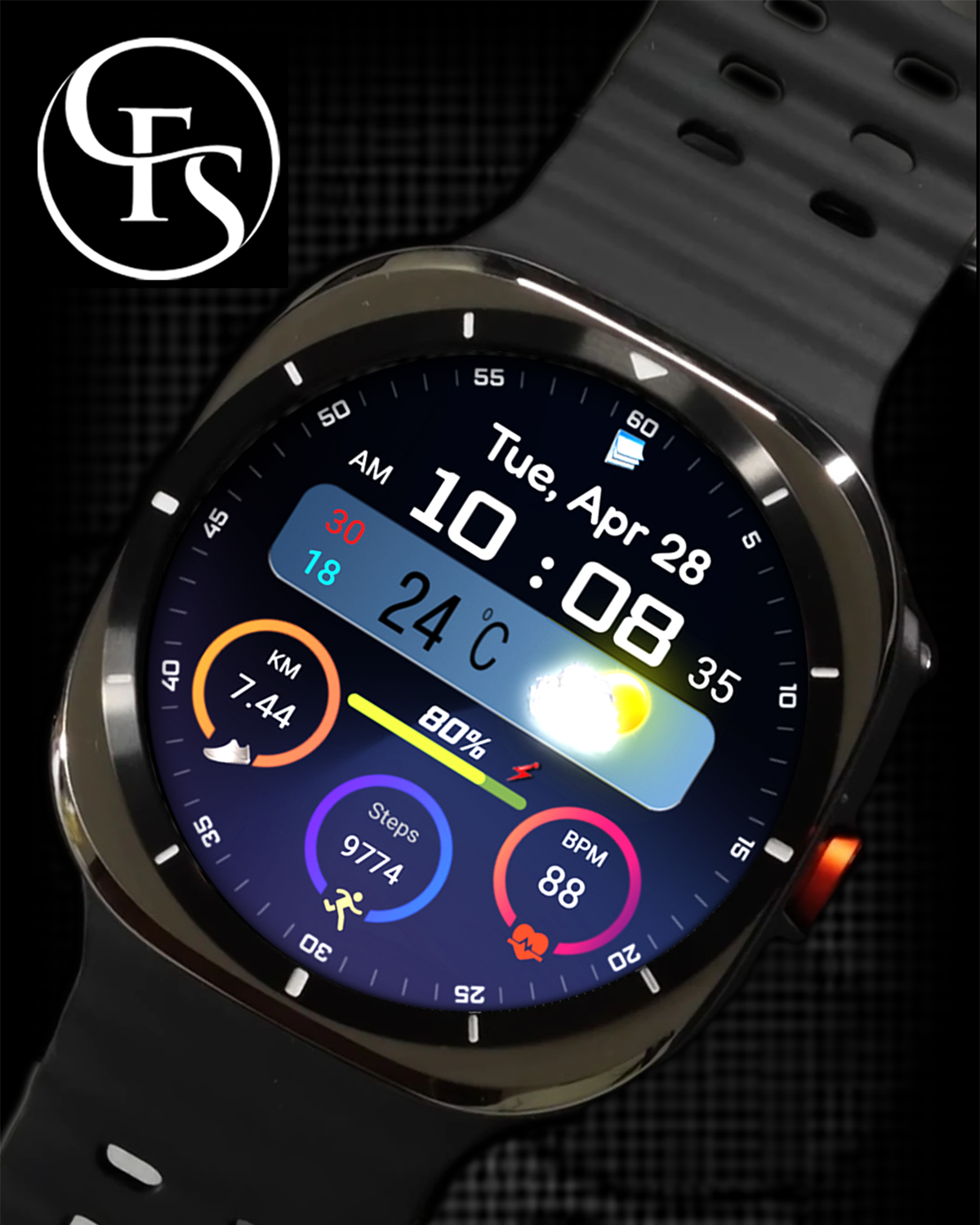
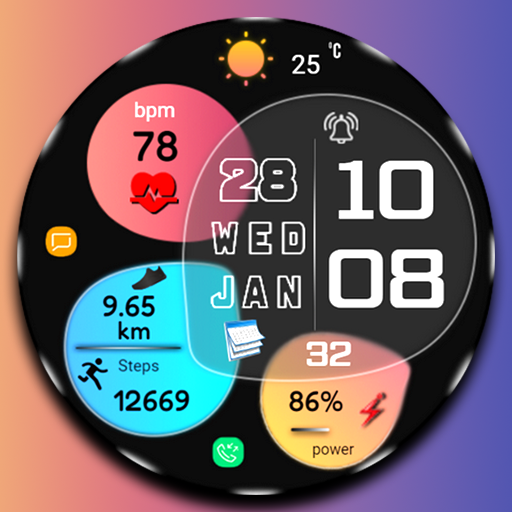
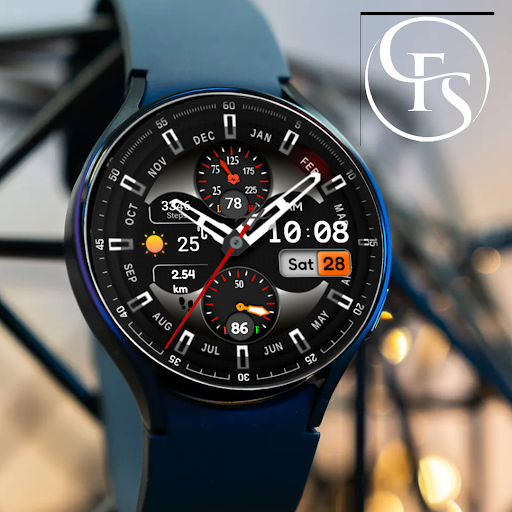
FSW297 Watch face

FSW297 Watch face
FSW297 Watch face
Stylish and great watch face for Wear OS by FS Design
<font color="red">If you can't see the watch face on your watch after installing the app, don't worry. Please follow the steps below.</font>
1-<font color="green">Long press on your watch screen, scroll to the right, click on the + sign and go to the bottom page, select your watch face from there.</font>
<font color="green">FSW297 Watch face is a Digital watch Face for Wear OS by FS Design
[For Wear OS devices only]</font>
<font color="green">FEATURES</font>
- Low battery consumption
- Battery Dial
- Date
Note: If you can't see the watch face on your watch after installing it, please follow the steps below
1-long press on your watch screen and scroll the screen to the last screen
2-click add watch and find your watch face
<font color="orange">How to install?</font>
1.Swipe to on the watch screen
2.Click on the Google Play app icon
3.Click it a type ''FSW297 Watch face' and search
4.Select watch face and click ''Install.'
NOTE:
if you see message "Your devices are not compatible", use Play Store on WEB browser from PC / Laptop instead of app on phone.
PLEASE FOLLOW ME:)
FS WATCHFACES WEB SITE: https://fswatchface.com/
FACEBOOK: https://m.facebook.com/groups/717379668440579?ref=bookmarks
FACEBOOK PAGE: https://www.facebook.com/Fs-design-2300540343310561/?ref=bookmarks
İNSTAGRAM: https://www.instagram.com/fs.watchface/?hl=tr
TWİTTER :https://twitter.com/FS Watch face
TELEGRAM:https://web.telegram.org/k/#@fswatchface
YOUTUBE : https://www.youtube.com/channel
Go to Store
Stylish and great watch face for Wear OS by FS Design
<font color="red">If you can't see the watch face on your watch after installing the app, don't worry. Please follow the steps below.</font>
1-<font color="green">Long press on your watch screen, scroll to the right, click on the + sign and go to the bottom page, select your watch face from there.</font>
<font color="green">FSW297 Watch face is a Digital watch Face for Wear OS by FS Design
[For Wear OS devices only]</font>
<font color="green">FEATURES</font>
- Low battery consumption
- Battery Dial
- Date
Note: If you can't see the watch face on your watch after installing it, please follow the steps below
1-long press on your watch screen and scroll the screen to the last screen
2-click add watch and find your watch face
<font color="orange">How to install?</font>
1.Swipe to on the watch screen
2.Click on the Google Play app icon
3.Click it a type ''FSW297 Watch face' and search
4.Select watch face and click ''Install.'
NOTE:
if you see message "Your devices are not compatible", use Play Store on WEB browser from PC / Laptop instead of app on phone.
PLEASE FOLLOW ME:)
FS WATCHFACES WEB SITE: https://fswatchface.com/
FACEBOOK: https://m.facebook.com/groups/717379668440579?ref=bookmarks
FACEBOOK PAGE: https://www.facebook.com/Fs-design-2300540343310561/?ref=bookmarks
İNSTAGRAM: https://www.instagram.com/fs.watchface/?hl=tr
TWİTTER :https://twitter.com/FS Watch face
TELEGRAM:https://web.telegram.org/k/#@fswatchface
YOUTUBE : https://www.youtube.com/channel
Coupons have expired. Please wait for the next promotion.
Views: 693